Dekker
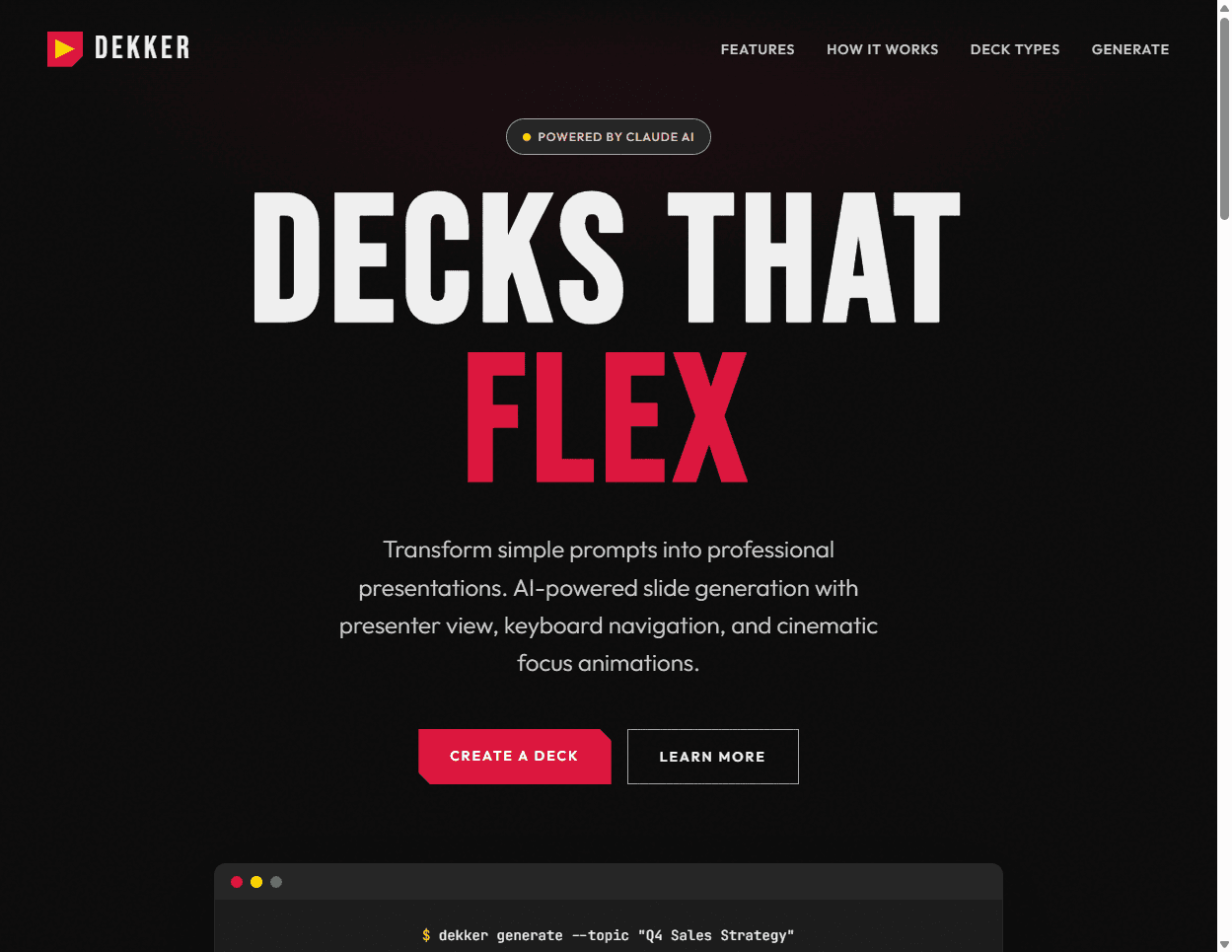
AI-powered slide deck generator that turns ideas into presentation-ready decks in minutes
The Challenge
The Problem
Creating professional slide decks takes hours. You spend more time wrestling with layouts, formatting bullet points, and second-guessing design choices than actually thinking about what you want to say. For consultants, sales teams, and anyone who presents regularly, this friction adds up fast.
Why I Took This On
I wanted to see if AI could handle the tedious parts of deck creation—structure, pacing, visual consistency—while I focused on the actual message. Plus, I present enough that even a 30% time savings would compound into something meaningful.
Constraints
Budget for AI API calls needed to stay reasonable. The system had to produce results that looked professional enough to use in client-facing situations, not just internal drafts. And it had to work offline for actual presentations.
The Process
Initial Approach
Started with Claude generating both content AND the HTML markup. The idea was elegant—one AI call does everything. In practice, it was slow, expensive, and inconsistent. Same input could produce wildly different visual outputs.
What Went Wrong
Letting AI generate HTML was a mistake. Token costs ballooned. Generation time stretched to 30+ seconds. Worst of all, the visual consistency I needed wasn't there—fonts changed, layouts shifted, brand colors drifted. The "magic" felt unreliable.
Breakthroughs
The fix was obvious once I saw it: use AI for what it's good at (content, narrative structure) and use code for what code is good at (deterministic HTML rendering). Split the system into two layers—a "strategy" layer that guides AI content generation, and a "structural" layer that procedurally builds HTML. Token costs dropped 80%. Generation time cut in half. Same input now produces identical output every time.
The Solution
A two-layer engine: Strategy files define narrative arcs for 6 presentation types (persuade, inform, instruct, decide, report, inspire). Claude Haiku generates slide content following those patterns. Then a procedural build system renders responsive HTML with CSS Container Queries. An Electron desktop app handles presentations with a dual-window setup—audience sees slides, presenter sees notes and next slide preview.
What I Learned
Unexpected Discoveries
Category-specific prompting makes a huge difference. A "persuade" deck needs different scaffolding than an "inform" deck. Generic "make a presentation" prompts produce generic results. The strategy layer—which started as an afterthought—became the secret sauce.
What I'd Do Differently
Would have separated content generation from HTML rendering on day one instead of learning the hard way. Also would have invested in the desktop viewer earlier—browser-based presentations have too many failure modes.
Where It Stands Now
Current State
MVP is live at dekker.prest.group. Full wizard flow working. All 6 presentation categories complete. Desktop viewer with presenter mode operational. 34 tests passing. Using it for my own presentations.
What's Next
User accounts and Stripe subscriptions are next. Then a lightweight editor so people can tweak AI-generated content without starting over. Image generation via fal.ai is on the roadmap but not critical path.
The Bigger Picture
This feeds the content automation capabilities I'm building at Prest Group. Same pattern—AI generates structured content, code handles rendering—applies to landing pages, email sequences, and other marketing collateral. Dekker is the proving ground.
The Impact
Personal Impact
Built a tool I actually use. Presentation prep went from "block out 2 hours" to "block out 20 minutes." The presenter mode with speaker notes changed how I prepare—I think in terms of what I'll say per slide, not just what's on screen.
Build Log
Ran a 148-agent adversarial research pass on presentation transitions — one refuter per claim, defaulting to 'folklore' wherever no primary source held up. Adopted seven craft rules, retired the widely-cited ten-minute attention span as unsupported, and rejected two of the research's own recommendations on project-specific grounds.
Dekker could only ingest a brand's colours and fonts, so every deck came out the same shape in different hues. Prototyped four hooks that let a design system's own textures and ornament reach the slide — enough to rebuild a reference design at roughly 90% fidelity using the hooks alone, with no hand-written CSS.
Focus shift: validate becomes Dekker's fourth verb, alongside brand, author and present. Four weeks of producing a real client training program showed the runtime was never the failure point — the gap is the contract a deck is supposed to meet. Prose conventions drift (one six-document rule set had reached nine self-contradictions) and only machine-checked rules held, so the deck contract is being promoted from a per-client script into a first-class, per-project-configurable repo asset.
Comprehensive test suite (48 unit + 11 Playwright), visual description guardrails for AI image gen, inline image pipeline diagnosis. Wizard now offers mood, rhythm, decorative level, and brand customization with live preview.